 Tapflow
Your demo, finally impossible to miss.
During a client demo, if the prospect loses track of what you're doing, the impact drops. Tapflow makes every action visible on screen. No confusion, no rewind, no "wait, can you do that again?"
macOS 14+ · Apple Silicon & Intel"Wait, where did you just click?"
They missed the click
Prospects can't always follow fast mouse movements on a shared screen. One missed click and the context breaks.
The shortcut was invisible
You hit ⌘+K and moved on. They have no idea what just happened. Now they're asking instead of listening.
You lost their attention
One missed step and they're mentally behind for the rest of the demo. The deal doesn't close on a confused prospect.
Every shortcut, visible on screen.
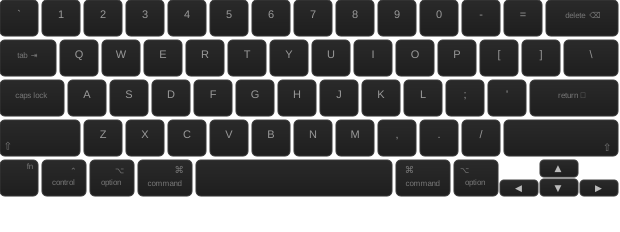
No more "how did you do that?" Every keystroke appears as a floating overlay - above your app, inside the screen share.
6 screen positions
Positions
Pin the overlay to any corner or edge
Dynamic position
Dynamic
The overlay follows your cursor around
Fully customizable
Custom
Colors, radius, size, background. Make it yours

Every click,
front and center.
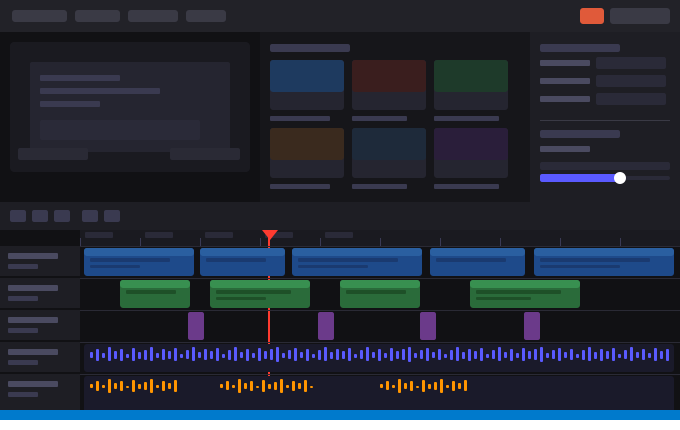
Animated click rings and cursor trail make every interaction unmissable. Your prospect always knows where to look.
Click Ring
Click Ring
Animated ring pulses on every click
Cursor Trail
Cursor Trail
Fading trail follows your cursor
Scroll Indicator
Scroll
Shows scroll direction on screen
And more
More
Spotlight, magnifier, highlight modes...
Stay present without
covering your product.
Your face, perfectly placed. A floating webcam bubble that dodges your cursor and never blocks the action.
Shape
Shape
4 shapes: circle, rounded, squircle, square
Smart Dodge
Dodge
Bubble dodges the cursor automatically
Hover Transparency
Opacity
Fades away when your cursor hovers it

Toggle overlays mid-demo.
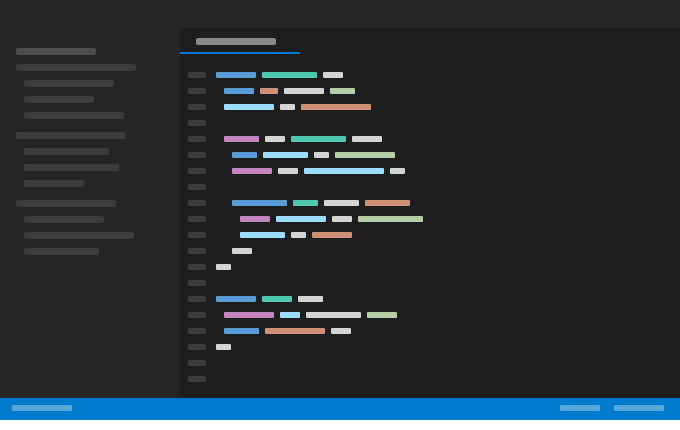
One shortcut to show, hide, or switch tools. No alt-tab, no interruption, no breaking the flow.
Tapflow appears in any screen share automatically. No plugins, no setup, nothing to install on their end.
Looks more pro too.
Visual overlays signal preparation and attention to detail. A demo with Tapflow looks intentional. A demo without it looks improvised.
"Since I started using Tapflow in client demos, I spend zero time explaining where I clicked. The conversation stays on the product, not on the mechanics."- Senior AE, SaaS company
Your next demo.
Nothing missed.
Free to download. Ready in 30 seconds. Your prospect sees the difference immediately.
Frequently asked questions
Does it work with Zoom, Meet, and Teams?
Yes. Tapflow runs as a system overlay above all windows. When you share your screen, the overlays are visible to everyone on the call - no plugin needed on their side.
Does my client need to install anything?
No. Tapflow runs on your Mac only. Your prospect sees the overlays through the screen share - they don't install or configure anything.
Can I turn it on mid-demo without interrupting the screen share?
Yes. Use the global shortcut or the Dynamic Island toolbar to toggle any overlay on or off instantly. No window switching, no visible settings panel.
Is it free to try?
Yes. Core features are free with no time limit. Pro unlocks camera overlay, custom themes, annotations, and presets - a one-time purchase of €49.99 with lifetime access, no subscription.