 Tapflow
Your learners finally see
what you're doing.
Keystrokes missed, shortcuts invisible, clicks lost in the flow. Tapflow puts everything on screen so your audience follows every step.
macOS 14+ · Apple Silicon & IntelThey miss the click
"Wait, where did you click?" Learners lose track the moment you move too fast.
They don't see the shortcut
You press Cmd+Shift+P and nobody knows what just happened.
They lose track of where you are
Screen sharing flattens depth. Your cursor disappears in the noise.
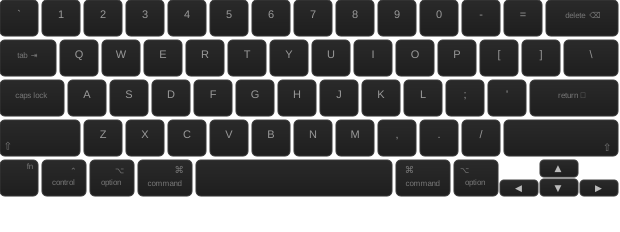
Every keystroke on screen,
in real time.
Nothing lost, nothing repeated. Your learners see exactly what you type, when you type it.
6 screen positions
Positions
Pin the overlay to any corner or edge
Dynamic position
Dynamic
The overlay follows your cursor around
Fully customizable
Custom
Colors, radius, size, background. Make it yours
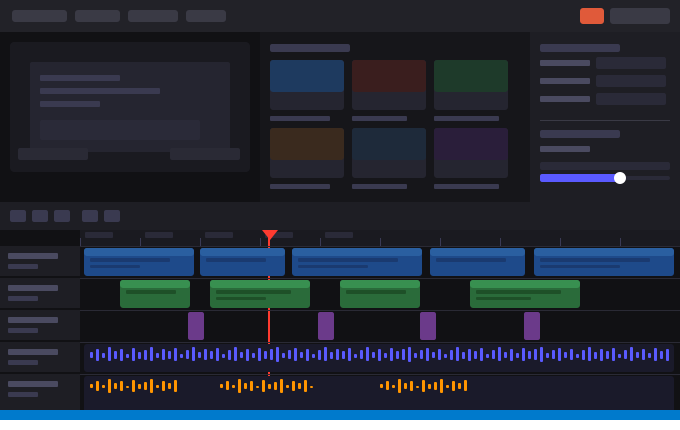

Your audience sees every click,
every scroll.
No more "wait, what did you just do?" Click rings, scroll arrows, and cursor trail make every action visible.
Click Ring
Click Ring
Animated ring pulses on every click
Cursor Trail
Cursor Trail
Fading trail follows your cursor
Scroll Indicator
Scroll
Shows scroll direction on screen
And more
More
Spotlight, magnifier, highlight modes...
Stay visible without
covering your content.
A floating webcam bubble that stays out of the way. Smart dodge moves it when your cursor gets close.
Shape
Shape
4 shapes: circle, rounded, squircle, square
Smart Dodge
Dodge
Bubble dodges the cursor automatically
Hover Transparency
Opacity
Fades away when your cursor hovers it
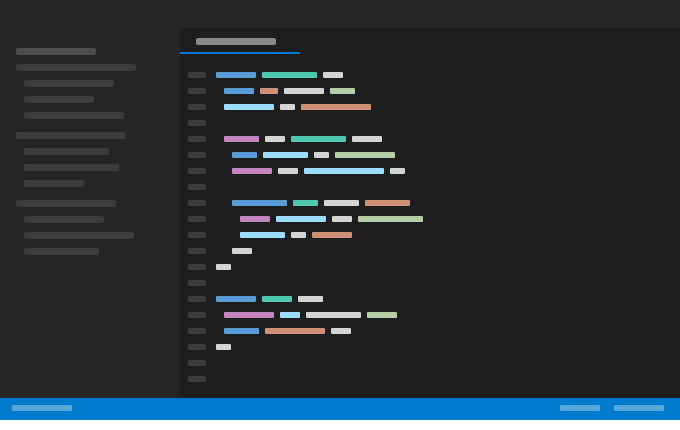

Switch tools without leaving your flow.
One shortcut brings up the control bar. Toggle keyboard, mouse, annotations, or camera instantly.
Works with your tools.
Tapflow overlays appear in any screen share or recording. No plugins, no setup.
"I used to repeat every shortcut three times. Now my students just read the screen."Software trainer, remote workshops
Your next session,
finally clear.
Free to download. Works in 30 seconds. No account needed.
Questions from trainers
Does it work with Zoom and Google Meet?
Yes. Tapflow runs as a system overlay above all windows. When you share your screen, your audience sees every overlay automatically. No plugin or extension needed.
Is it captured by screen recorders like Loom or OBS?
Yes. Any tool that records your screen will capture Tapflow overlays. This includes Loom, OBS, QuickTime, and any other screen recorder.
Do my learners need to install anything?
No. Tapflow runs on your Mac only. Your learners see the overlays through screen sharing or a recording. Nothing to install on their side.
Can I use it for free?
Yes. The free version includes keyboard overlay, click ring, scroll indicator, and freehand annotations with no time limit. Pro adds camera overlay, advanced annotations, custom themes, and presets.